How do I register a test stick?
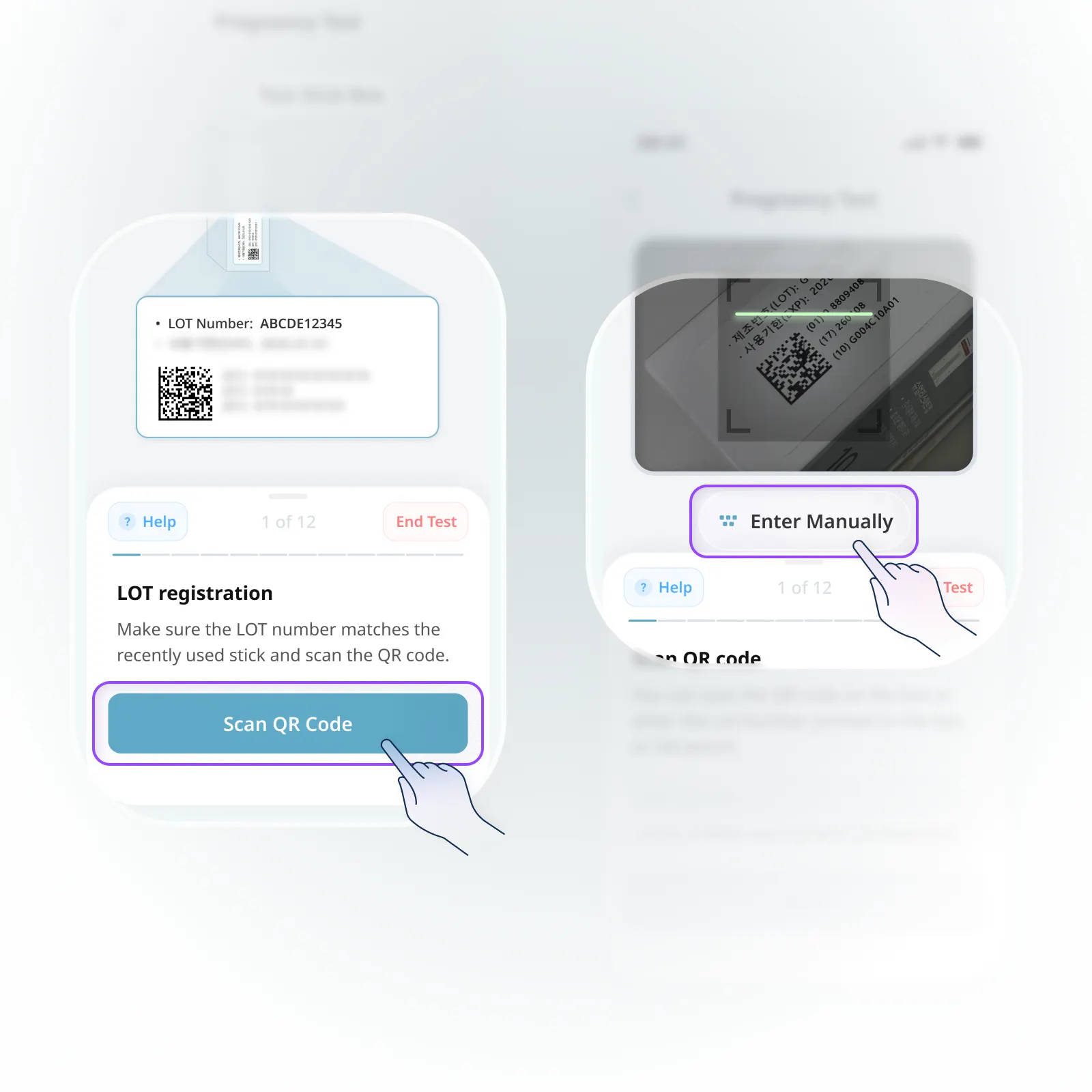
Before using a test stick for the first time, you’ll need to register it in the app. There are two ways to do this:
1.
Register by scanning the QR code
Scan the QR code on the back of the test stick packaging box with your smartphone camera to register automatically.
2.
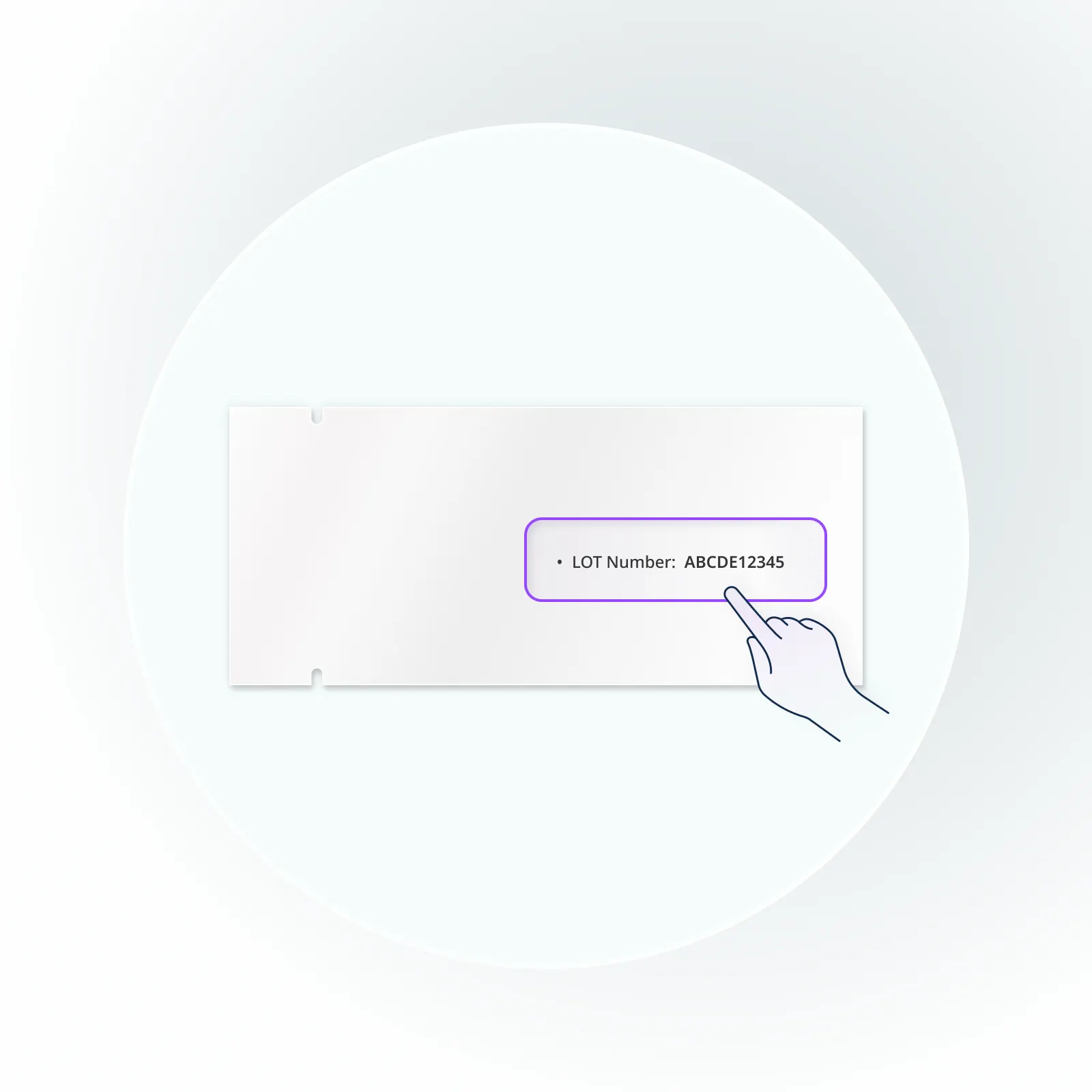
Register by entering the LOT number manually
You can also enter the LOT number printed on the side of the packaging box or on each test stick foil pouch directly into the app.
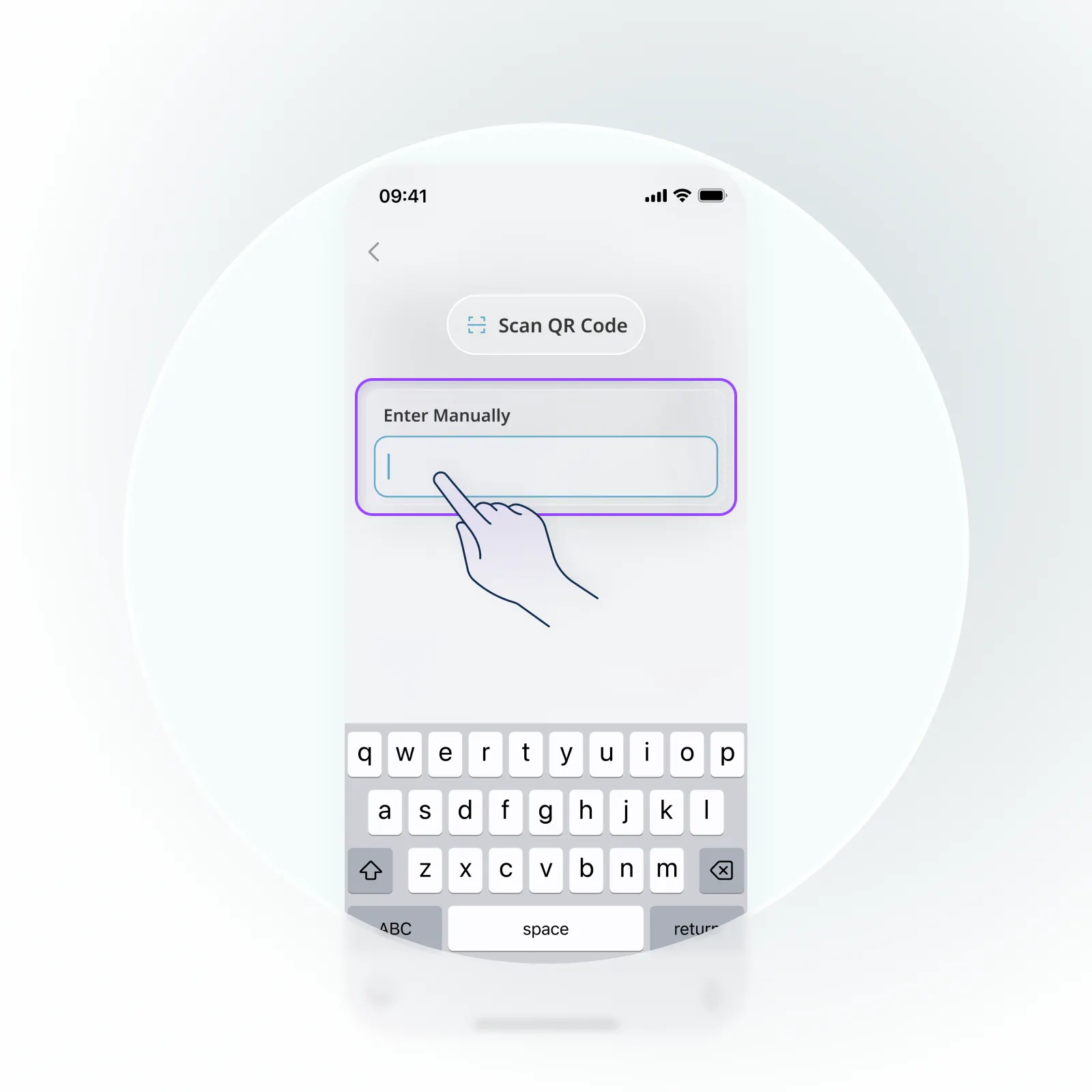
Once registration is complete, all test sticks under the same LOT number can be used.
Do I need to register the test sticks again if they have the same LOT number?
No, you only need to register once per LOT number.
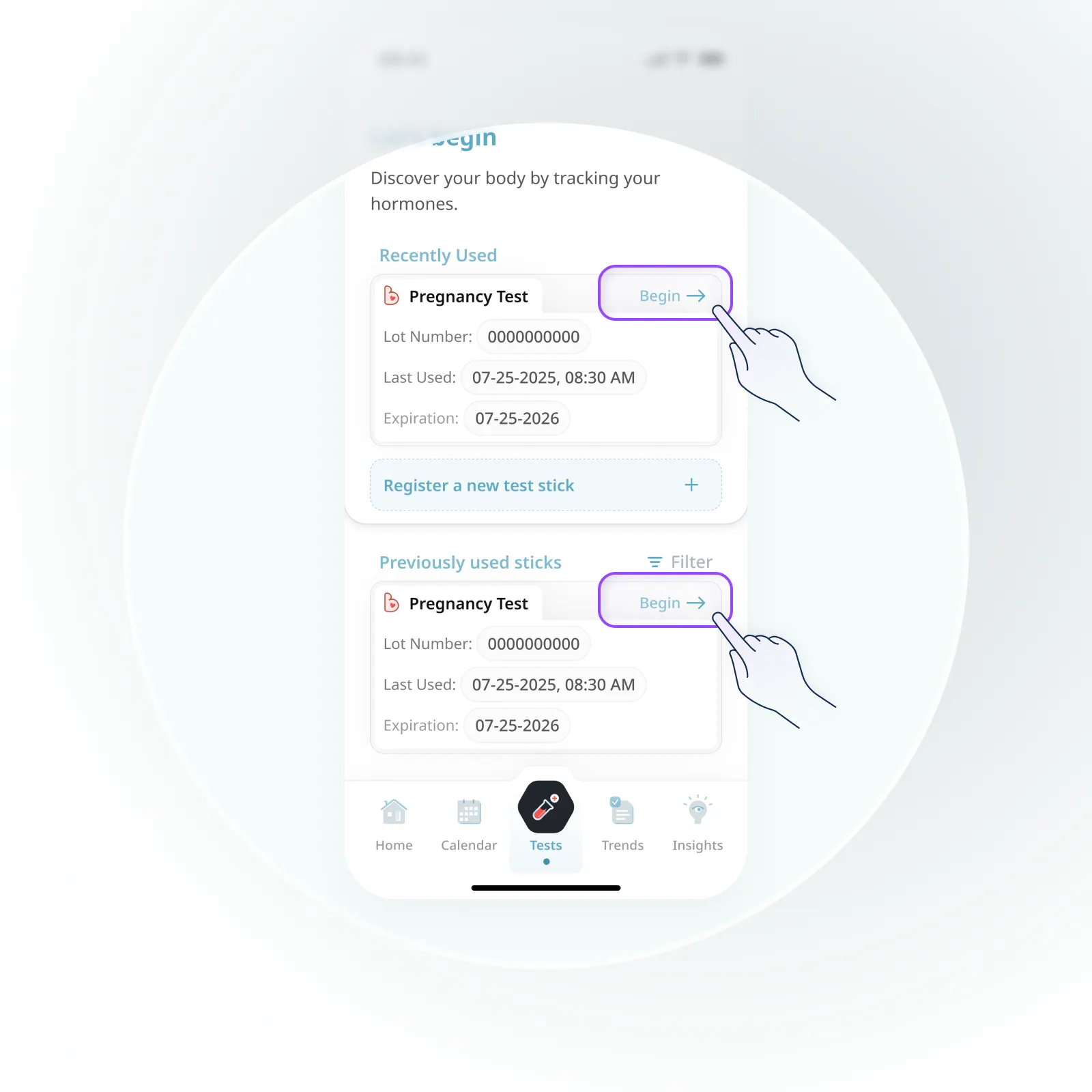
After you’ve completed the QR code scan or LOT number entry the first time, you can simply tap “Continue” to start testing with any other stick from the same LOT.